

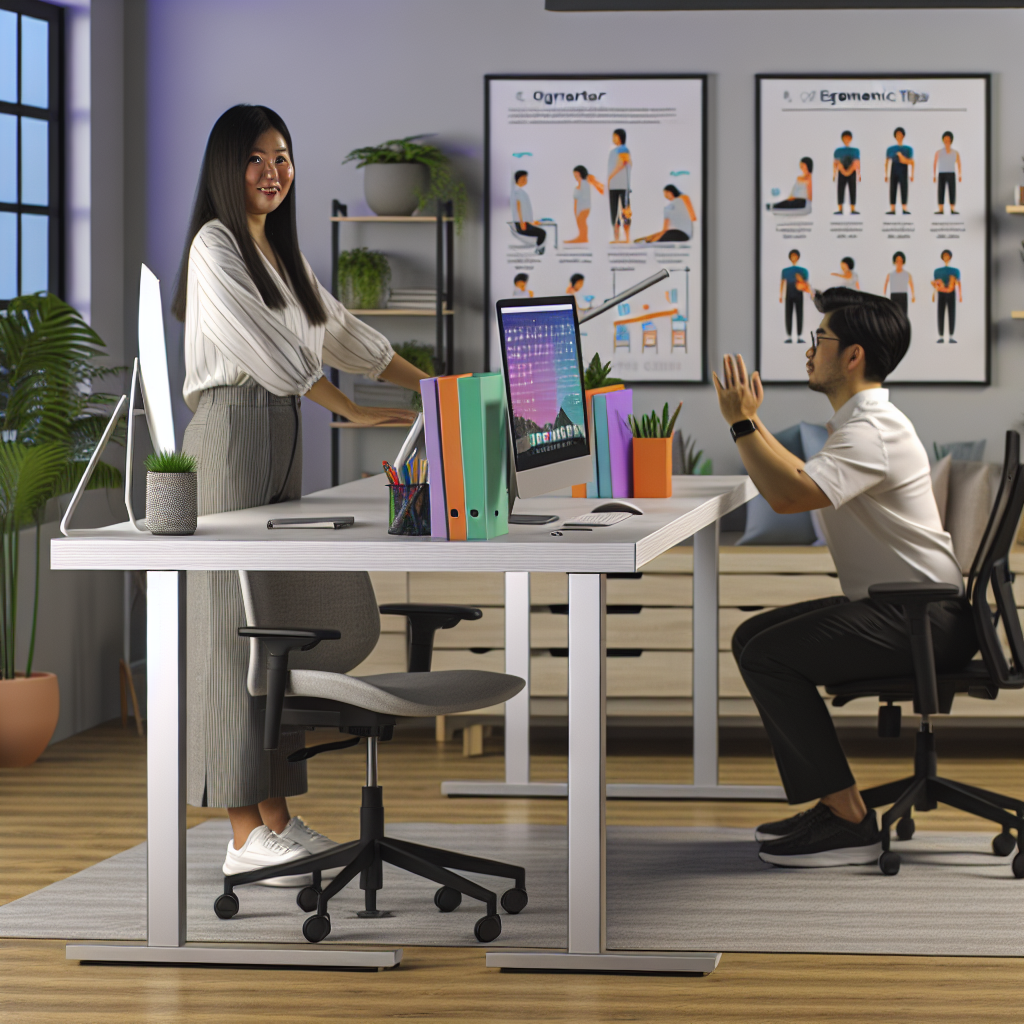
Transform Your Workspace: Essential Ergonomics Tips for Ultimate Comfort
Ever found yourself sinking into your chair after a long day of gaming, only to realize your back feels like it was just used as target practice? You’re not alone. Many hardcore and casual gamers, along with tech enthusiasts, spend hours glued to their screens, but how many of us actually take the time to set up our workspace for comfort? In fact, studies have shown that poor ergonomics can lead to chronic pain and simply zapping any enthusiasm for that next big gaming session. So why not turn your workspace into a haven of comfort? Here’s how to enhance your setup, one ergonomic tweak at a time.
Understanding Ergonomics: What’s the Big Deal?
Before diving into tips, let’s demystify ergonomics. Picture this: you’re a character in your favorite RPG, tasked with building the best base. Ergonomics is similar—it’s all about designing your workspace to reduce strain and improve efficiency, just like you would in creating a stronghold. Proper ergonomics helps to prevent discomfort and injuries, allowing you to enjoy endless hours of gaming or tech tinkering without feeling like a pretzel.
The Perfect Chair: Your Gaming Throne
A quality chair is pivotal for a fulfilling gaming experience. A good ergonomic chair provides both support and comfort, giving you the chance to focus on beating high scores rather than the ache in your back. Here are a few features to look for:
- Adjustable Height: Your chair should allow your feet to rest flat on the floor, with your knees at a 90-degree angle. This alignment keeps blood flowing and reduces fatigue.
- Lumbar Support: Look for a chair that has built-in lumbar support or is adjustable. It should fit snugly against the lower part of your back, encouraging better posture.
- Armrests: Make sure the armrests align with your desk height. They can help reduce strain on your shoulders and forearms, especially during marathon gaming sessions.
For instance, a chair with the right lumbar support can transform an average gaming session into an epic saga of triumph where your body feels as invigorated as your character does after a successful raid.
Desk Setup: Level Up Your Experience
Your desk isn’t just a flat surface; it’s your command center. An efficient desk setup can mean the difference between a comfortable gaming experience and one where you feel like you’ve just completed a marathon. Consider these adjustments:
- Monitor Position: Your monitor should be at arm’s length away. The top of the screen should be at or just below eye level. If you have a gaming setup with multiple monitors, arrange them in a slight curve, so you’re looking straight ahead rather than twisting your neck.
- Keyboard and Mouse: Your keyboard should be positioned so your elbows are close to your body, and your wrists are flat. This reduces strain and makes it easier to navigate during high-stakes gaming moments. An ergonomic mouse can also significantly reduce wrist discomfort.
Imagine this setup akin to a well-organized inventory in an RPG. Everything is within reach; you’re equipped for action, and distractions are minimized. Making these adjustments can put you in a position akin to having a legendary weapon in your arsenal—priceless and game-changing.
Lighting: The Unsung Hero of Comfort
Lighting is often overlooked, yet it’s crucial for sustaining focus and reducing eye strain. Proper lighting can elevate your workspace vibes to epic levels. Here’s what to consider:
- Natural Light: Whenever possible, let the sunlight do its magic. Position your desk near a window. Natural light can do wonders for your mood and energy levels, so don’t miss out on it!
- Task Lighting: If you’re gaming into the late hours, invest in some adjustable desk lamps with warm light options. Soft lighting reduces glare on screens and lets your eyes relax.
Think of lighting as the ambient music in a game—it enhances the experience and keeps you engaged without being distracting. Proper lighting can help sustain those lengthy sessions while maintaining comfort.
Take Breaks: More Than Just a Timer
Even with the best setup, sitting for prolonged periods isn’t a friendly option for your body. Taking periodic breaks helps refresh your mind and body, boosting productivity for your next raid or coding session. Try these steps:
- The 20-20-20 Rule: Every 20 minutes, look at something 20 feet away for at least 20 seconds. This simple practice can reduce eye strain and keep your focus sharp.
- Stretching: Incorporate short stretching routines, focusing on your neck, shoulders, back, and wrists. A few quick stretches can do wonders for your muscles.
- Stand Up: Use a timer to remind you to stand every hour. It gets your blood circulating and can recharge your zest for the game.
Consider these strategies your game’s power-ups. Just like how bonuses can elevate your gameplay, taking breaks rejuvenates you, ensuring you’re always at the top of your game.
Personalizing Your Setup: Make It Yours
Every gamer has their style. Whether you’re into neon lights or minimalistic aesthetics, personalizing your workspace can have a positive impact on how you feel in it. Here’s how to add that personal flair:
- Posters and Decor: Adorn your walls with posters from your favorite games. It’ll not only make your space inviting but can also inspire you during your gaming sessions.
- Gadgets and Accessories: Invest in a mouse pad that reflects your personality or a headset that feels just right. These little touches make the space uniquely yours.
Creating a customized sanctuary can transform your workspace into a collector’s edition of comfort, motivating you to engage and immerse yourself like never before.
Final Thoughts
Transforming your workspace into an ergonomic haven isn’t merely about comfort; it’s an investment in your health and gaming prowess. By tailoring your chair, desk, lighting, and personal decorations, you create an atmosphere that promotes both focus and endurance. Just as every great gaming session deserves a comfortable throne, every gamer deserves a tailored workspace designed with their needs in mind. So grab those ergonomic tweaks, level up your comfort, and get ready to conquer your next gaming adventure with renewed vigor!

