

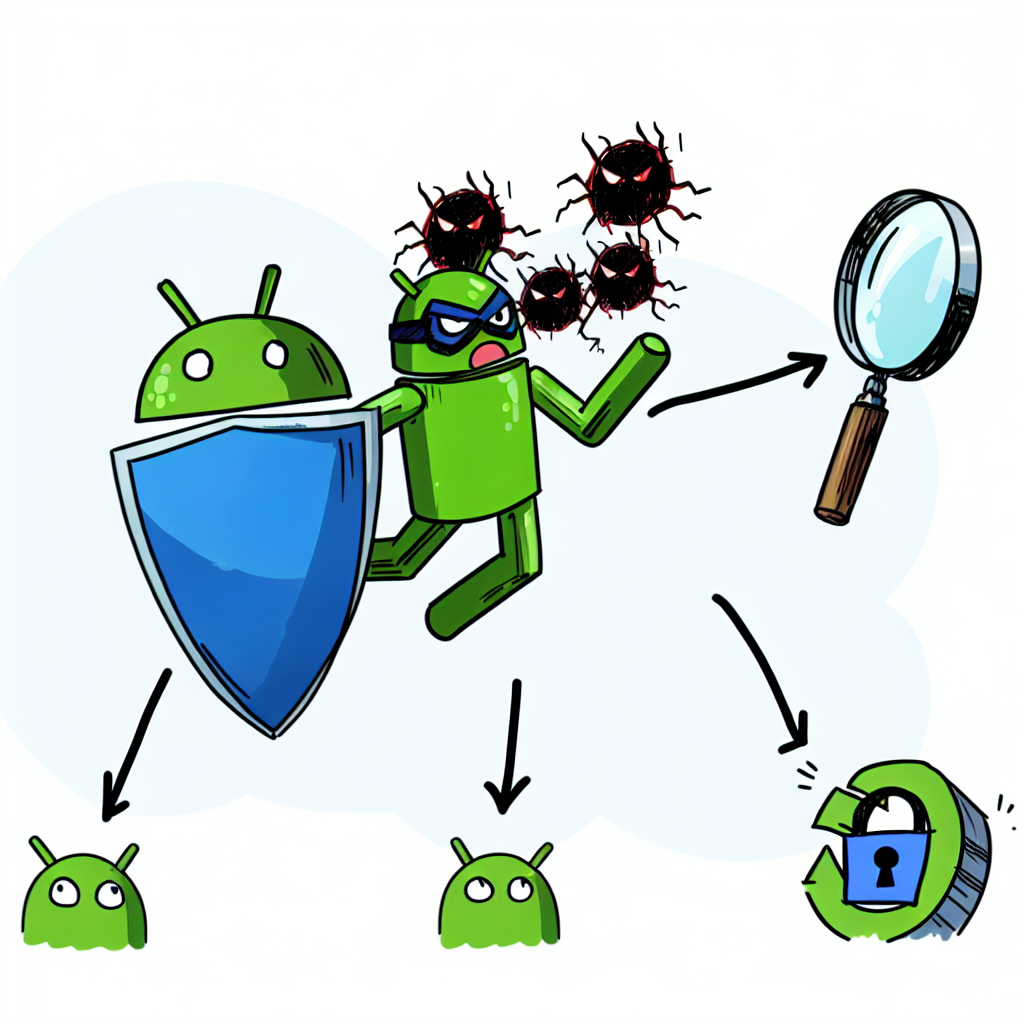
Stop Malware in Its Tracks: Your Essential 3-Step Guide to Android Safety
Picture this: you’re at a coffee shop, scrolling through your favorite app, when your phone suddenly lags, or worse, shows a pop-up asking you to download suspicious software. It’s every Android user’s nightmare. With millions of apps and constant updates, ensuring your device’s security can seem daunting. But fear not! This guide will equip you with practical strategies to keep your device—and your data—safe from malicious threats. Let’s dive into this essential three-step method for Android safety.
1. Keep Your Software Up to Date
Have you ever ignored a software update because it seemed unnecessary? You’re not alone; many people prioritize convenience over security. However, updates often contain crucial security patches that protect your device from the latest vulnerabilities. It’s like locking your door after a break-in—essential for your safety.
To check for updates, follow these simple steps:
- Open your Settings app.
- Scroll down and select System.
- Tap on Software Update, then click Check for Updates.
If an update is available, install it right away. The technology landscape evolves quickly, and so do the tactics used by cybercriminals. Staying current ensures that you’re using the most secure version of your operating system.
2. Use a Trusted Security App
Imagine walking through a crowded market without a trustworthy friend by your side. That unsettling feeling is similar to using your Android device without a robust security app. While Android devices are powerful and versatile, they are often targets for malware because of their open nature. A reputable security app acts like your vigilant friend, alerting you to potential threats.
Here are some features to look for in a good security app:
- Real-time scanning: Continuously checks for malware as you download apps or click links.
- Privacy protection: Monitors app permissions and alerts you to potential risks.
- Safe browsing: Warns you of phishing sites or risky downloads.
- Anti-theft features: Allows you to remotely lock or wipe your device if lost or stolen.
Some popular choices among Android users include Bitdefender, Norton, and Avast. These apps not only provide peace of mind but also offer additional features like device optimization.
3. Be Cautious with App Downloads
Ever heard the saying, “Don’t judge a book by its cover”? The same applies to apps. Just because an app has a catchy name or a nice design doesn’t mean it’s safe. Many malicious apps masquerade as legitimate ones to trick unsuspecting users. It’s crucial to be vigilant and selective.
Here are some quick tips to help you identify safe apps:
- Check the developer: Research the developer’s credibility. Well-known companies like Google or Microsoft are generally safer bets than unknown developers.
- Read reviews: Look for user feedback that discusses the app’s performance and any issues related to security.
- Review permissions: Be wary if an app requests more permissions than necessary. For instance, why would a flashlight app need access to your contacts?
- Use the Google Play Store: While not foolproof, Google’s official store has measures in place to filter out harmful apps.
For a real-world example, consider the infamous “Joker” malware, which was found in a number of legitimate-looking apps. This malware subscribed users to expensive services without their knowledge. Staying vigilant when downloading apps can spare you from such headaches.
Bonus Tips for Enhanced Android Safety
While our three-step approach covers the essentials, here are a few bonus tips to elevate your security game:
- Use two-factor authentication (2FA): Enable 2FA whenever possible, especially on critical accounts like email and banking.
- Avoid public Wi-Fi: Use a VPN to protect your data over unsecured networks.
- Backup your data: Regularly back up your device to ensure you don’t lose vital information in case of a malware attack.
Remember, security is a continuous process. The digital landscape is ever-changing, so regular re-evaluation of your strategies will keep you one step ahead of potential threats.
Final Thoughts
The world of Android is a vibrant, exciting space filled with endless possibilities. However, navigating this landscape requires a level of vigilance to protect your device and data. By keeping your software updated, using a trusted security application, and being cautious with app downloads, you drastically reduce your risk of falling victim to malware. Think of these steps as your digital armor—each layer adding more protection, allowing you to use your Android device with confidence and peace of mind.
As you continue your journey through the Android ecosystem, keep these strategies at heart. Your safety is paramount, and with these tips, you can enjoy the best of what your device has to offer while keeping threats at bay.

