

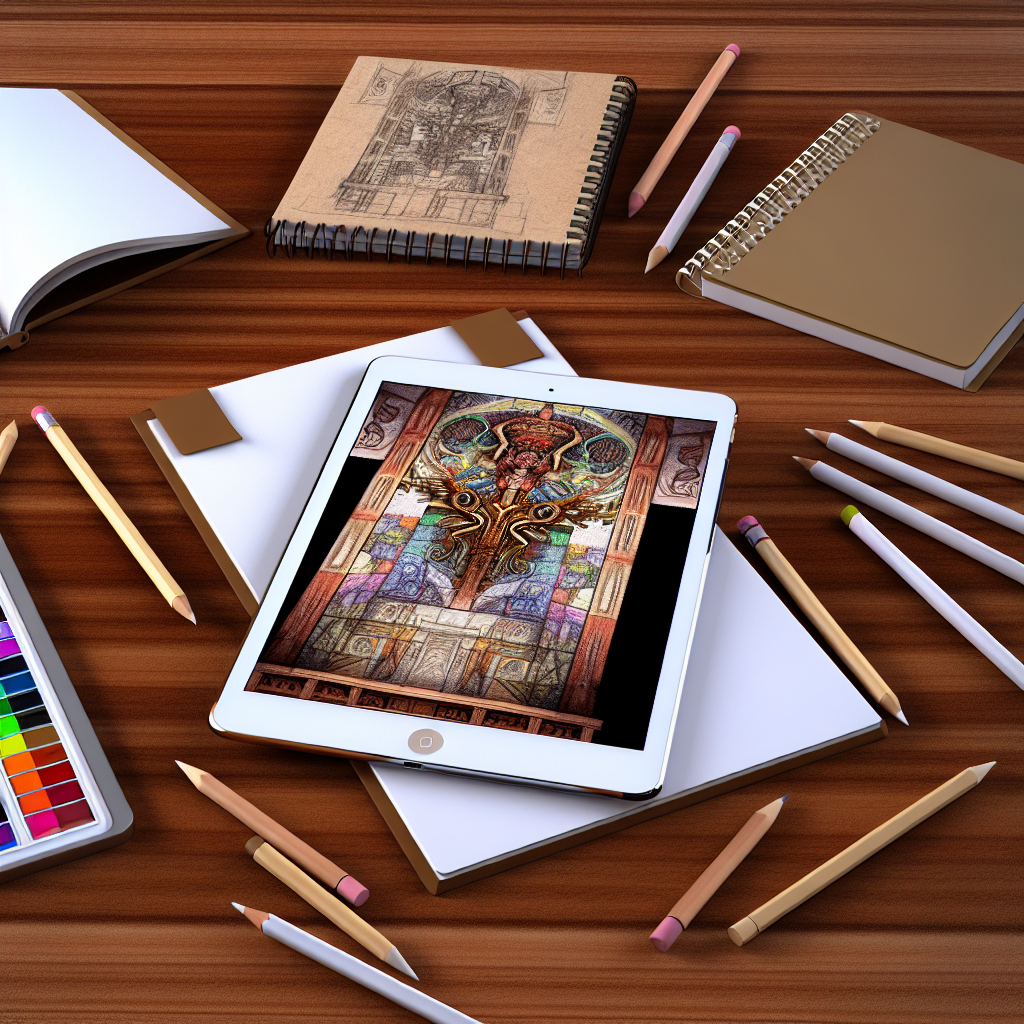
Unlocking Creativity: How the iPad Mini Elevates Your Art and Design Projects
Ever find yourself in the middle of an exciting creative project, only to get stuck staring at a blank canvas or a digital screen? It’s a common struggle for artists and designers alike. The question is: how can you reignite that creative spark? Enter the iPad Mini—a compact powerhouse that has quietly revolutionized the way we paint, sketch, and create. Whether you’re doodling or diving into professional design projects, the iPad Mini can elevate your work from mundane to extraordinary.
Why the iPad Mini Stands Out
With its sleek design and lightweight build, the iPad Mini is like a sketchbook that fits in your backpack without weighing you down. It’s not just about portability; it’s about the experience. The Retina display boasts vibrant colors and stunning clarity, which is essential for any artist wanting to see their work in true detail. Moreover, with Apple’s A15 Bionic chip, the performance is smooth and responsive, meaning you can focus more on creating and less on lagging apps.
Getting Started: Essential Apps for Your Creative Journey
One of the best things about owning an iPad Mini is the treasure trove of apps designed specifically for artists and designers. Here are a few to consider:
- Procreate: This is the go-to app for digital artists. Procreate offers a wide range of brushes, textures, and tools that mimic traditional painting techniques. Whether you’re a beginner or a seasoned artist, this app provides the flexibility you need to explore your creativity.
- Adobe Fresco: Perfect for those who adore painting and drawing, Adobe Fresco comes packed with live brushes that mimic real-world media. It seamlessly integrates with Adobe’s Suite, making it a solid choice for those already in the Adobe ecosystem.
- Affinity Designer: For graphic designers, Affinity Designer is an excellent alternative to Adobe Illustrator. It’s scalable and ideal for creating vector graphics, logos, and illustrations on the go.
- Notability: While it’s not an art app per se, Notability is a handy tool for jotting down ideas or sketching out concepts. It supports handwriting and audio recordings, perfect for brainstorming sessions.
Taking Advantage of the Apple Pencil
The iPad Mini thrives even more with the Apple Pencil. This stylus feels natural in your hand, providing precision and control that a finger simply can’t match. Using the Apple Pencil transforms your digital drawing experience and allows for fine details, shading, and more.
Picture this: you’re sitting at your favorite café, sketching the bustling street outside. With the Apple Pencil, you can capture every detail accurately. The pressure sensitivity allows you to adjust the thickness and opacity of your lines, giving your sketches a fluid, lifelike quality. It’s almost like using a traditional pencil on paper, but with the added benefit of digital features like undo/redo and layering.
Real-World Use Cases: Where Creativity Meets Technology
Many artists and designers have turned to the iPad Mini in their workflows and the results are inspiring. Let’s explore some real-world applications:
- Storyboard and Animation: Aspiring animators can use the iPad Mini to storyboard their ideas. Using apps like Storyboard Pro, you can sketch scenes, plan animations, and share them easily with collaborators.
- Graphic Design on the Go: Designers often find inspiration in the world around them. The iPad Mini allows graphic designers to create logos or designs spontaneously, turning a moment’s inspiration into a finished piece right before your eyes.
- Illustration for Books: Children’s book illustrators, for example, can create vivid illustrations on the iPad Mini. Using the flexibility of digital tools, they can experiment with colors and layouts that would take longer to execute traditionally.
- Urban Sketching: Many artists have taken to urban sketching, capturing their surroundings with the iPad Mini. Carrying it around makes it easy to sketch scenes quickly and share them on social media, gaining instant feedback from their audience.
Tips for Maximizing Your Creativity with the iPad Mini
While the iPad Mini is a fantastic tool, here are some tips to unlock its full potential:
- Create a Dedicated Workspace: Even if it’s a corner of your kitchen table, set up a designated space for your creative work. This physical space can help signal to your brain that it’s time to get creative.
- Practice Regularly: Make sketching or designing a daily habit. The more you use the iPad Mini for your art projects, the more comfortable you’ll become navigating the apps and tools available.
- Join Online Communities: Platforms like Instagram and Behance allow you to connect with other artists and designers. Sharing your work can lead to valuable feedback and inspiration.
- Mix Digital and Traditional Techniques: Don’t be afraid to combine your digital skills with traditional mediums. Print your digital art, add some hand-drawn elements, and scan it back—this hybrid approach can lead to exciting new creations.
Conclusion: A Gateway to Creative Exploration
The iPad Mini isn’t just another tech gadget; it’s a versatile tool that opens up a world of creative possibilities. Whether you’re an artist, designer, or someone who just wants to unleash their inner creator, embracing what the iPad Mini offers can enhance your projects and bring your ideas to life.
So next time you’re feeling that creative block, consider reaching for your iPad Mini. It might just be the key to unlocking your next great masterpiece!

